在集群实际应用场景中,往往需要在集群节点间文件同步,保持数据的一致性。
一、搭建NFS服务1、安装
yum install nfs-utils -y
2、配置
vim /etc/exports
/data/nfs 192.168.1.0/24(rw,no_root_squash)
3、启动nfs服务
systemctl start nfs-server.service
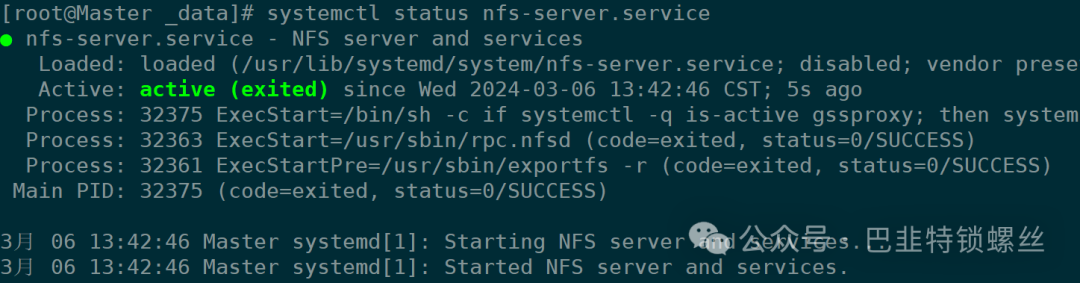
systemctl status nfs-server.service
systemctl enable nfs-server.service
二、挂载NFS Volume创建nginx服务
1、挂载创建命令
docker service create --mount 'type=volume,source=nfsvolume,target=/usr/share/nginx/html,volume-driver=local,volume-opt=type=nfs,volume-opt=device=:/data/nfs,"volume-opt=o=addr=192.168.1.132,rw,nfsvers=4,async"' --replicas 4 -p 8888:80 --name my-nginx nginx
2、测试文件同步
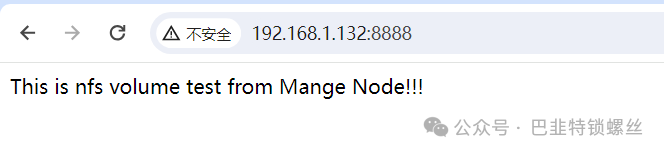
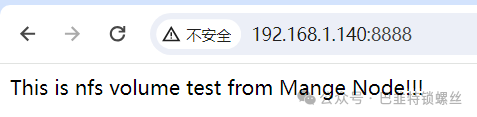
[root@Master _data]# cd /data/nfs/[root@Master nfs]# ls50x.html index.html[root@Master nfs]# cat index.htmlThis is nfs volume test from Mange Node!!!


[root@Node47 _data]# docker volume inspect nfsvolume[{"CreatedAt": "2024-03-06T13:44:27+08:00","Driver": "local","Labels": {},"Mountpoint": "/var/lib/docker/volumes/nfsvolume/_data","Name": "nfsvolume","Options": {"device": ":/data/nfs","o": "addr=192.168.1.132,rw,nfsvers=4,async","type": "nfs"},"Scope": "local"}]
3、页面访问